-
Shop
- Adidas
- Advanced Technologies
- AI Skills Mastery 2026 Collection
- Best-Sellers
- Calvin Klein
- Car Accessories
- Confidence
- Dating & Social Skills
- Digital Resources
- AI & Technology
- AI Skills
- Beauty
- Budgeting & Saving
- Car Buying & Ownership
- Cozy Feast Collection
- Electronics & Technology
- Entrepreneurship & Business Growth
- Financial Education
- Financial Independence
- Financial Mindset & Psychology
- Goal Setting
- Hobbies
- Home Styling & Organization
- Kitchen & Recipes
- Leadership
- Mindset
- Online Business
- Parenting & Child Development
- Personal Style & Fashion
- Pet Lifestyle & Wellness
- Positive Thinking
- Sleep Improvement
- Stress Management & Relaxation
- Travel Planning
- Yoga & Fitness
- Yoga & Mind-Body Practices
- Education & Learning
- Family & Parenting
- Fashion
- Alexander McQueen
- Bags
- Bags & Wallets
- Balenciaga
- Belts
- Blazers
- Bottega Veneta
- Brunello Cucinelli
- Burberry
- Chanel
- Chloé
- Dior
- Dolce & Gabbana
- Dresses
- Etro
- Fendi
- Gucci
- Hats & Hair Accessories
- Hoodies & Sweatshirts
- Jacquemus
- Jewelry
- Jil Sander
- Keychains
- Kiton
- Luggage
- Miu Miu
- Off-White
- Prada
- Rick Owens
- Saint Laurent
- Socks & Tights
- Sweaters & Cardigans
- The Row
- Tom Ford
- Tops & Shirts
- Valentino
- Valentino Garavani
- Versace
- Vivienne Westwood
- Watches
- Furniture
- Gadgets
- Health & Beauty
- Health & Wellness
- Home & Garden
- Kids & Babies
- Kitchen
- Lighting
- Patio, Lawn & Garden
- Personal Growth
- Pet Care
- Pet Supplies
- Pets
- Shoes
- Smart Home Living Guides
- Sport & Outdoors
- Stress Relief & Relaxation
- TikTok Growth & Monetization Mastery
- Travel
- Travel & Adventure
- Wealth
- Wellness
- YouTube Shorts Best-Sellers
- Popular
- Best deals
Clear Space, Clear Mind: A 7-Day Declutter Reset
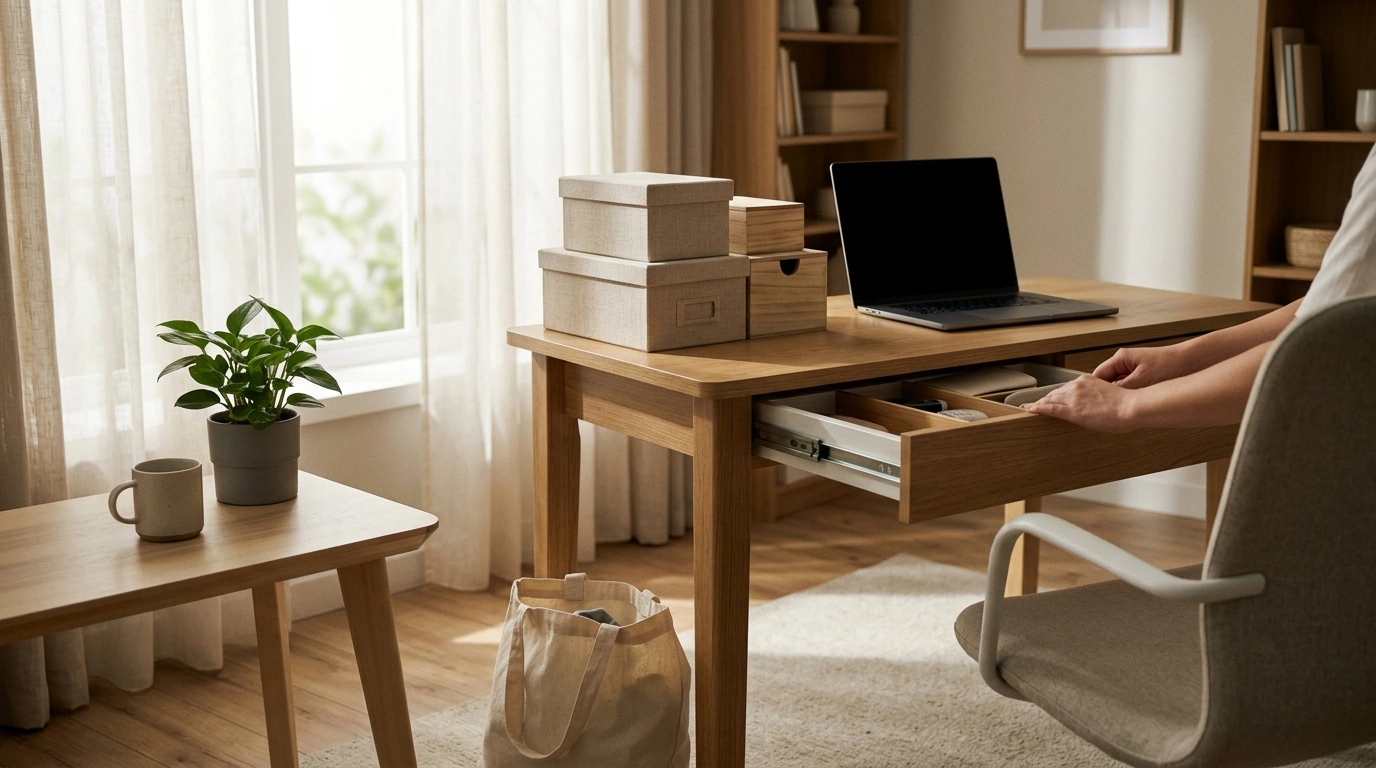
Clear Space, Clear Mind: Motivation That Lasts and a Decluttering Plan You’ll Stick With
Decluttering gets easier when the goal isn’t perfection—it’s relief. Instead of trying to “fix the whole house,” aim for smaller, repeatable wins that reduce stress right away. A simple decision system plus a short routine (for both your home and your digital life) keeps progress steady—and helps clutter stop coming back.
Why decluttering feels so hard (and what that means for motivation)
Most people don’t quit because they’re lazy. They quit because the task is emotionally and mentally expensive.
- Motivation fades when the task feels endless. “Finish the house” has no finish line. “Finish this one drawer” does—and it creates momentum.
- Clutter creates decision fatigue. Too many objects mean too many micro-decisions. Clear rules reduce mental load before you start.
- Sentimental items trigger guilt and fear of regret. That’s normal. Plan a separate, time-boxed session for memory-heavy categories so they don’t derail everything else.
- Visual clutter competes for attention. Research suggests clutter can tax attention and increase feelings of stress; prioritize high-traffic, high-visibility areas for fast relief (see Princeton University’s findings on visual attention: Princeton University Neuroscience Institute).
When decluttering is designed to reduce strain (not “prove discipline”), motivation lasts longer. If you want a structured routine that blends home and digital steps, Clear Space, Clear Mind: How to Find Motivation and Declutter Your Home for Good | Digital Decluttering Guide | How to Get Motivated to Declutter Your House builds the process into an easy-to-repeat plan.
Set a decluttering target that’s worth doing even on a busy day
Consistency beats intensity. Make your plan so small you can do it without negotiating with yourself.
- Choose a “minimum viable reset.” Ten minutes. One shelf. One digital folder. Small enough to start, even when tired.
- Define your reason in practical terms. Faster mornings. Easier cleaning. Fewer lost items. Calmer evenings.
- Pick one “anchor space” to keep consistently clear. A kitchen counter, entryway tray, or bedside table becomes your daily proof that change is sticking.
- Use a finish line you can see. “Everything in this zone has a home” works better than “get rid of a lot.”
If stress is the main driver, it helps to remember clutter’s emotional impact is real and studied; the American Psychological Association has discussed how clutter can contribute to stress and anxiety (APA overview).
The decision system that prevents second-guessing
Second-guessing is where time disappears. Use a simple system that keeps your hands moving.
Step 1: Set up three containers
- Keep (here): stays in the space you’re working on
- Relocate: belongs in a different room
- Remove: donate/sell/recycle/trash
Step 2: Use one rule per category
- Duplicates: keep your favorite, remove the rest
- Expired: remove immediately
- Unused in 12 months: remove (unless it’s truly seasonal or essential)
Step 3: Kill the “maybe” pile
If you’re unsure, put it in a dated quarantine box with a review deadline (for example, 30 days). If you didn’t need it—and forgot it existed—your decision gets easier.
Step 4: Make “Keep” harder
If it stays, it must get a specific home immediately. No home usually means no keep.
Step 5: Batch the removal step
Schedule one weekly donation drop-off (or pickup). If bags linger, the clutter isn’t gone—it just moved.
For practical hauling, a sturdy carryall can make donation runs feel simpler—especially for “Relocate” sweeps and drop-offs. Consider using something like the Elegant Casual Leather Tote Bag for Everyday Style as a grab-and-go bag for items headed out the door (or as a dedicated “donation run” tote).
A 7-day reset plan for visible progress
Short sessions (15–30 minutes) create consistency. Start with easy wins, then save sentimental items for a smaller, controlled session.
| Day | Focus area | Time | Goal |
|---|---|---|---|
| 1 | Entryway + phone home screen | 20 min | Clear landing zone; delete obvious unused apps |
| 2 | Kitchen counter + downloads folder | 25 min | Create clear prep space; sort downloads into 3 folders |
| 3 | Bathroom drawer + email unsubscribe | 20 min | Remove expired items; unsubscribe from 10 lists |
| 4 | Closet “one category” + desktop cleanup | 30 min | Declutter one type (shirts/shoes); move files into labeled folders |
| 5 | Living room surfaces + photo duplicates | 20 min | Clear flat surfaces; delete screenshots and duplicates |
| 6 | Paper pile + cloud drive top level | 30 min | Action/sort paper; rename and consolidate top folders |
| 7 | Sentimental mini-session + notifications audit | 20 min | Choose 5 keeps; disable nonessential notifications |
Digital decluttering that reduces daily stress
Attention management is a core idea in digital minimalism—focusing on tools that support your values instead of distracting you (see Cal Newport’s work: Digital Minimalism).
How to keep clutter from coming back
A guided plan to stay motivated when progress slows
If you prefer a step-by-step routine that combines home and digital decluttering into one repeatable system, use Clear Space, Clear Mind: How to Find Motivation and Declutter Your Home for Good | Digital Decluttering Guide | How to Get Motivated to Declutter Your House as your guided plan when decision fatigue hits.
FAQ
What if there’s no time to declutter?
Use 10–15 minute sessions and choose one micro-zone (one drawer, one shelf, one folder). Aim for a quick weekly reset and remove donation/trash bags from your home promptly so progress stays visible.
How do you declutter when you feel overwhelmed?
Start with the three-container method (Keep, Relocate, Remove), set a timer, and begin with trash and easy categories. Skip “maybe” piles by using a dated quarantine box with a review deadline.
How do you declutter digital files without making it complicated?
Begin with what you see daily (desktop and downloads), then use 4–6 top-level folders and consistent naming. Do a short weekly maintenance sweep, and back up before major deletions.
Recommended for you



Gladiator Sandals in 2026: Still Stylish?
Aug 6, 2026













Leave a comment