-
Shop
- Adidas
- Advanced Technologies
- AI Skills Mastery 2026 Collection
- Best-Sellers
- Calvin Klein
- Car Accessories
- Confidence
- Dating & Social Skills
- Digital Resources
- AI & Technology
- AI Skills
- Beauty
- Budgeting & Saving
- Car Buying & Ownership
- Cozy Feast Collection
- Electronics & Technology
- Entrepreneurship & Business Growth
- Financial Education
- Financial Independence
- Financial Mindset & Psychology
- Goal Setting
- Hobbies
- Home Styling & Organization
- Kitchen & Recipes
- Leadership
- Mindset
- Online Business
- Parenting & Child Development
- Personal Style & Fashion
- Pet Lifestyle & Wellness
- Positive Thinking
- Sleep Improvement
- Stress Management & Relaxation
- Travel Planning
- Yoga & Fitness
- Yoga & Mind-Body Practices
- Education & Learning
- Family & Parenting
- Fashion
- Alexander McQueen
- Bags
- Bags & Wallets
- Balenciaga
- Belts
- Blazers
- Bottega Veneta
- Brunello Cucinelli
- Burberry
- Chanel
- Chloé
- Dior
- Dolce & Gabbana
- Dresses
- Etro
- Fendi
- Gucci
- Hats & Hair Accessories
- Hoodies & Sweatshirts
- Jacquemus
- Jewelry
- Jil Sander
- Keychains
- Kiton
- Luggage
- Miu Miu
- Off-White
- Prada
- Rick Owens
- Saint Laurent
- Socks & Tights
- Sweaters & Cardigans
- The Row
- Tom Ford
- Tops & Shirts
- Valentino
- Valentino Garavani
- Versace
- Vivienne Westwood
- Watches
- Furniture
- Gadgets
- Health & Beauty
- Health & Wellness
- Home & Garden
- Kids & Babies
- Kitchen
- Lighting
- Patio, Lawn & Garden
- Personal Growth
- Pet Care
- Pet Supplies
- Pets
- Shoes
- Smart Home Living Guides
- Sport & Outdoors
- Stress Relief & Relaxation
- TikTok Growth & Monetization Mastery
- Travel
- Travel & Adventure
- Wealth
- Wellness
- YouTube Shorts Best-Sellers
- Popular
- Best deals
Are Mechanical Keyboards Good for Gaming? Key Benefits
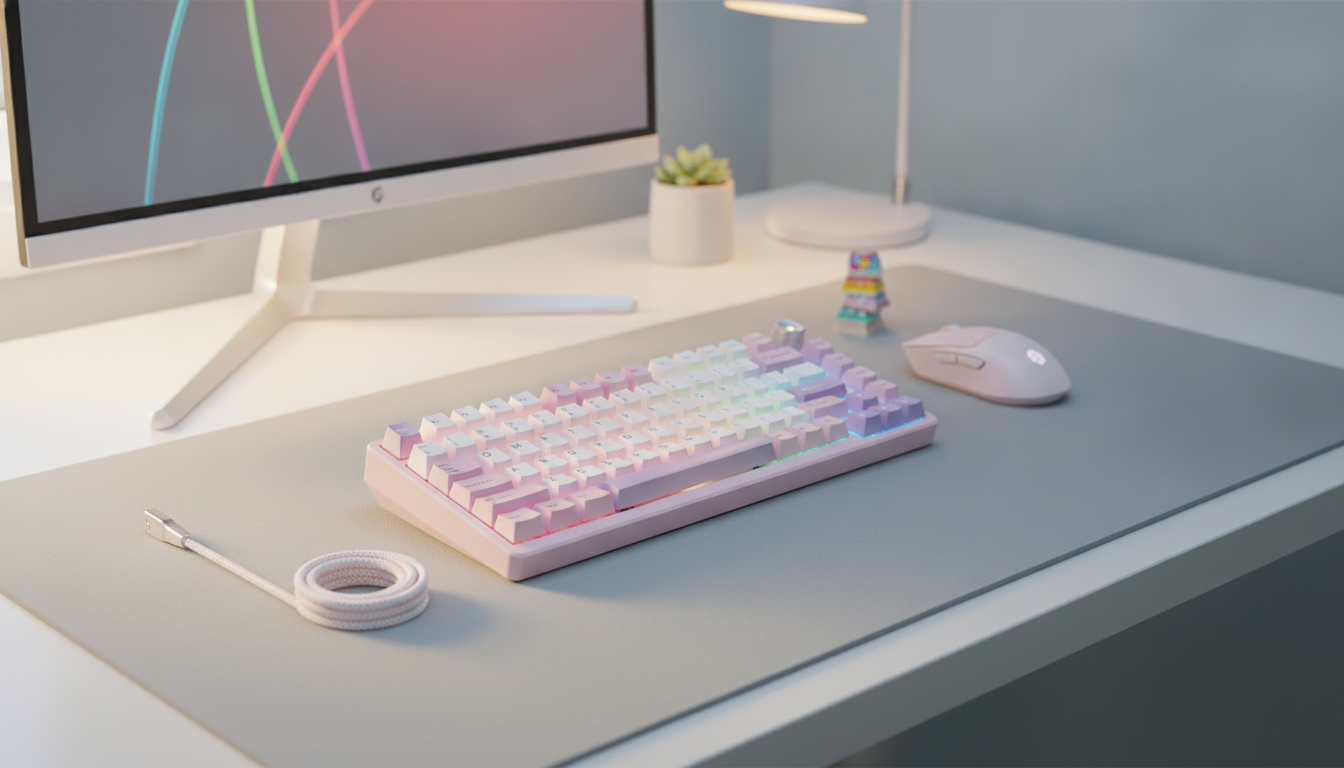
Are mechanical keyboards good for gaming?
Yes. Mechanical keyboards can be excellent for gaming because their individual switches offer consistent keypresses, a choice of tactile feel, and durability for frequent use. They are available in layouts and switch styles that suit everything from fast-paced shooters to strategy games.
That said, a mechanical keyboard will not automatically make you a better player. Comfort, reliable input, and a layout that fits your setup matter more than the label on the box.
What makes a mechanical keyboard useful for gaming?
Each key has its own switch, which determines how the press feels and sounds. This lets you choose a keyboard that matches your preferences instead of settling for a single typing feel.
- Linear switches have a smooth press without a tactile bump. They are a popular choice when you want easy, repeated keypresses.
- Tactile switches provide a noticeable bump as you press, giving you feedback without necessarily requiring a loud click.
- Clicky switches add an audible click to the tactile feel. They can be satisfying, but may be distracting in a shared space or on an open microphone.
Switch preference is personal. You may enjoy the smoothness of linear switches for gaming, or prefer tactile feedback if you also type for work or school.
Which gaming keyboard features should you prioritize?
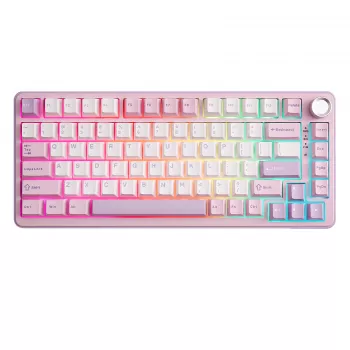
Start with the space on your desk. A full-size keyboard includes a number pad, while a compact layout leaves more room for mouse movement. A 75% layout keeps the function row and many navigation keys while taking up less space than a full-size board.
Hot-swappable sockets let you change compatible switches without soldering, which is useful if you want to adjust the feel later. Wireless connectivity can reduce cable clutter, while a wired connection avoids battery management. If you choose wireless, look for a connection mode suited to responsive gaming.
Other useful features include rollover that registers multiple simultaneous keypresses, adjustable backlighting for visibility, and dedicated controls for functions you use often. RGB lighting and a volume knob can be convenient, but they are less important than a comfortable layout and switches you enjoy.
How do you choose the right one?
We recommend choosing your layout first, then narrowing down switch feel and connection type. For a closer look at a compact option with customization features, explore our guide to 75% wireless hot-swap gaming keyboards.
FAQ
Are linear switches quieter than clicky switches?
Linear switches generally do not make the deliberate click sound associated with clicky switches. Keycaps, typing force, and the keyboard’s construction can still affect the overall noise.












Leave a comment