-
Shop
- Adidas
- Advanced Technologies
- AI Skills Mastery 2026 Collection
- Best-Sellers
- Calvin Klein
- Car Accessories
- Confidence
- Dating & Social Skills
- Digital Resources
- AI & Technology
- AI Skills
- Beauty
- Budgeting & Saving
- Car Buying & Ownership
- Cozy Feast Collection
- Electronics & Technology
- Entrepreneurship & Business Growth
- Financial Education
- Financial Independence
- Financial Mindset & Psychology
- Goal Setting
- Hobbies
- Home Styling & Organization
- Kitchen & Recipes
- Leadership
- Mindset
- Online Business
- Parenting & Child Development
- Personal Style & Fashion
- Pet Lifestyle & Wellness
- Positive Thinking
- Sleep Improvement
- Stress Management & Relaxation
- Travel Planning
- Yoga & Fitness
- Yoga & Mind-Body Practices
- Education & Learning
- Family & Parenting
- Fashion
- Alexander McQueen
- Bags
- Bags & Wallets
- Balenciaga
- Belts
- Blazers
- Bottega Veneta
- Brunello Cucinelli
- Burberry
- Chanel
- Chloé
- Dior
- Dolce & Gabbana
- Dresses
- Etro
- Fendi
- Gucci
- Hats & Hair Accessories
- Hoodies & Sweatshirts
- Jacquemus
- Jewelry
- Jil Sander
- Keychains
- Kiton
- Luggage
- Miu Miu
- Off-White
- Prada
- Rick Owens
- Saint Laurent
- Socks & Tights
- Sweaters & Cardigans
- The Row
- Tom Ford
- Tops & Shirts
- Valentino
- Valentino Garavani
- Versace
- Vivienne Westwood
- Watches
- Furniture
- Gadgets
- Health & Beauty
- Health & Wellness
- Home & Garden
- Kids & Babies
- Kitchen
- Lighting
- Patio, Lawn & Garden
- Personal Growth
- Pet Care
- Pet Supplies
- Pets
- Shoes
- Smart Home Living Guides
- Sport & Outdoors
- Stress Relief & Relaxation
- TikTok Growth & Monetization Mastery
- Travel
- Travel & Adventure
- Wealth
- Wellness
- YouTube Shorts Best-Sellers
- Popular
- Best deals
Wireless Mechanical Keyboards: Cost, Comfort, and Trade-Offs
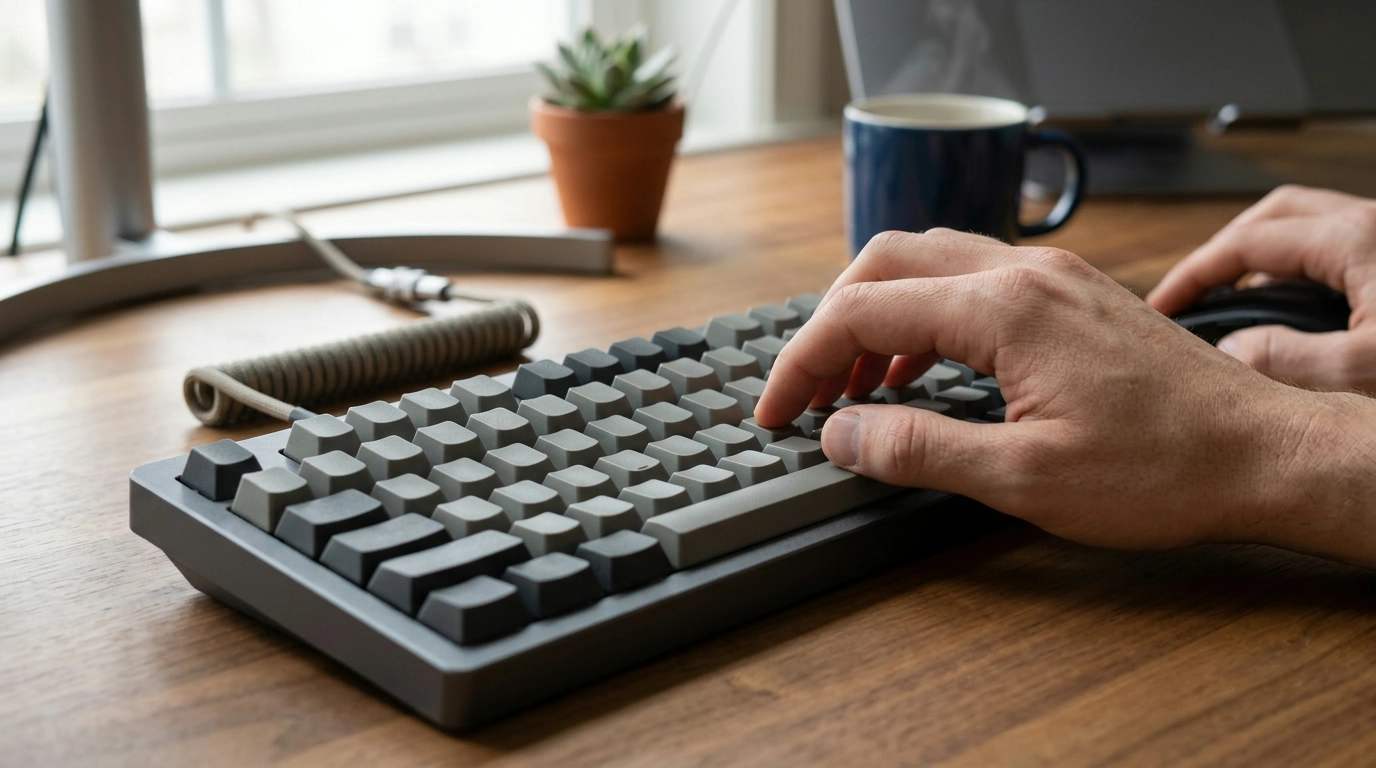
Are wireless mechanical keyboards worth it?
A wireless mechanical keyboard can be worth the extra cost if you value a tidy desk, easy portability, or the freedom to switch between devices. You still get the tactile feel and replaceable key switches found in many mechanical models, without keeping your keyboard tethered to your computer.
The trade-offs are practical: wireless models need charging or batteries, and some cost more than comparable wired keyboards. Connection options also matter. Bluetooth is convenient for pairing with multiple devices, while a 2.4 GHz USB receiver is often a better choice for responsive gaming. Many keyboards offer both, plus a wired mode for charging or uninterrupted use.
When wireless is a good fit
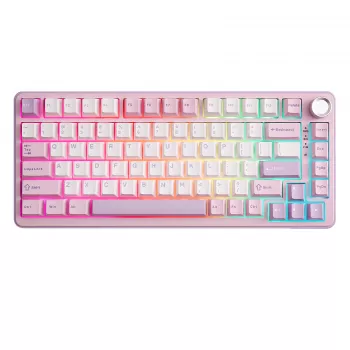
Choose wireless if you move your keyboard between a desktop, laptop, or tablet, or simply want fewer cables on your workspace. A compact 75% layout can leave room for your mouse while retaining the function row and arrow keys. If you’re considering a gaming-focused option, our guide to a 75% wireless hot-swap gaming keyboard with a knob and RGB covers features that can help narrow your choices.
For competitive play, look for a reliable 2.4 GHz connection and a wired fallback. Battery life depends on the keyboard, connection, and features in use; bright RGB lighting can mean more frequent charging. If you prefer not to manage battery levels, a wired board may suit you better.
Features worth paying attention to
Hot-swappable switches let you replace compatible switches without soldering, which is useful if you want to change the feel or replace a faulty switch. Confirm that the board supports the switch type you plan to use. A rotary knob can make volume or other controls easier to adjust, while RGB lighting is mostly a matter of preference and may affect battery runtime.
Also consider key layout, case size, typing sound, and whether the keyboard can connect to your usual devices. A compact layout may take some adjustment if you rely on a number pad or dedicated navigation keys. Wireless is most worthwhile when its convenience matches how you work or play—not simply because the feature is available.
FAQ
What does a 75% keyboard layout leave out?
A 75% layout usually removes the number pad and compresses or omits some navigation keys to save desk space. It generally keeps the function row and arrow keys, but the exact key arrangement varies by model.













Leave a comment